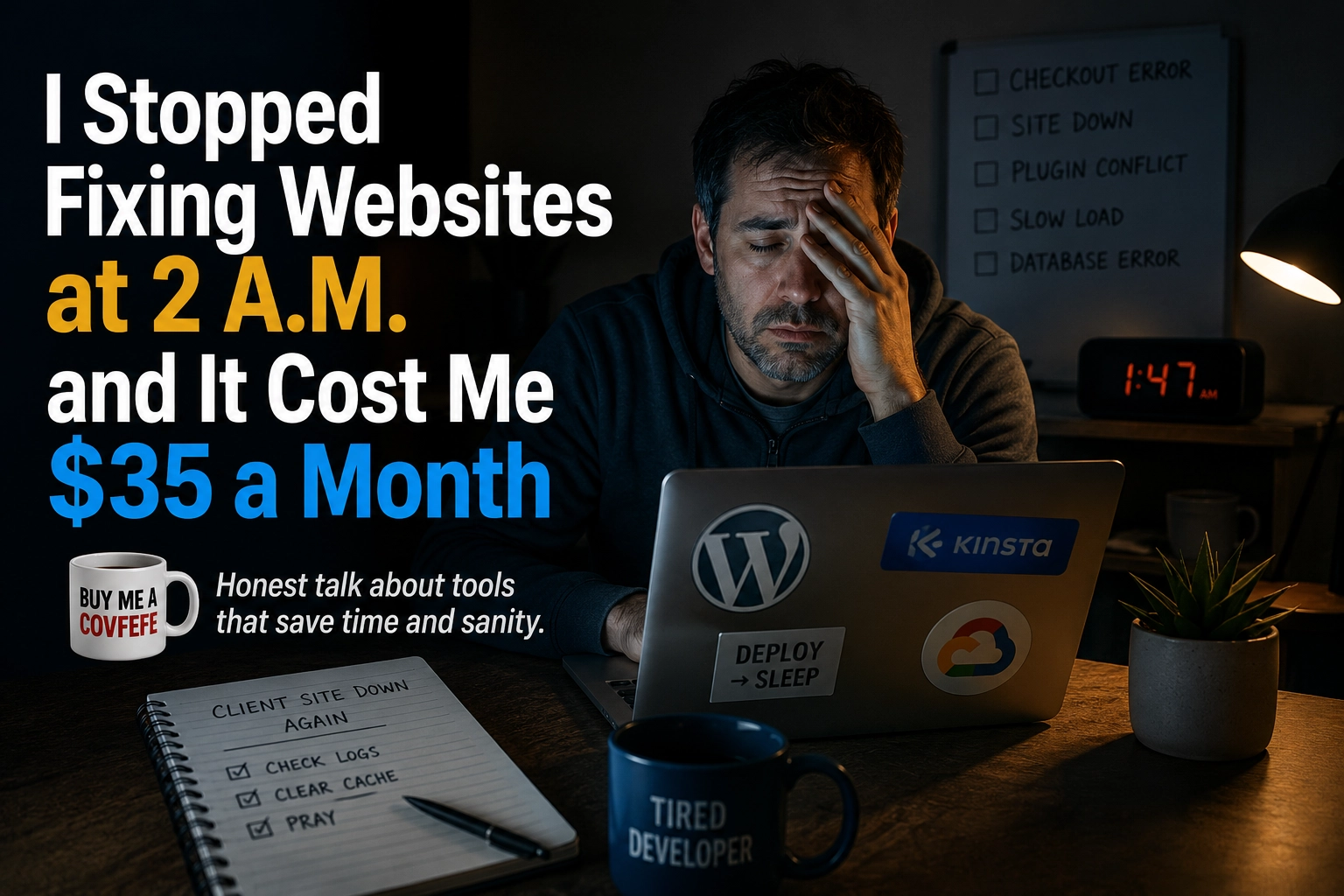
I Stopped Fixing Websites at 2 A.M. and It Cost Me $35 a Month
Heads up: this post contains affiliate links. If you sign up through one of them I get paid a commission, and your price does not go up. I only write these about things I actually pay for.
There is a specific kind of tired that only people who host their own client sites understand.
It is 1:47 in the morning. Your phone buzzes. A client’s site is down, or it is up but crawling, or it is up and fast but the checkout page has decided that today is the day it stops taking money. You open your laptop in the dark, you log into a hosting panel that was designed in 2009, and you start guessing.
That was most of a decade of my life. I want to talk about the boring thing that ended it.
The problem was never the site
Here is what took me an embarrassingly long time to figure out. Almost none of the emergencies were actually WordPress problems. They were neighbor problems.
Cheap shared hosting works by stacking hundreds of websites onto one server and hoping none of them get popular. When one of them does get popular, or gets hacked, or runs a badly written plugin that hammers the database, everyone else on that server slows down. You did not do anything wrong. You just live in a bad building.
You cannot debug your way out of that. There is nothing in your site to fix. The fix is moving.
What “managed hosting” actually buys you
The phrase gets thrown around until it means nothing, so here is the concrete version.
On Kinsta, every WordPress site runs inside its own isolated container, which means your site’s resources are never shared with other customers. That containerized architecture eliminates the noisy neighbor problem where one site’s traffic spike slows down everyone else on the server. The whole thing sits on Google Cloud rather than on a box in a rack somewhere.
That is the entire pitch. You are not renting a slice of a crowded apartment. You get your own walls.
The stack around it includes Cloudflare Enterprise for the firewall and DDoS protection, a CDN spread across hundreds of edge locations, free SSL, staging environments, and a dashboard called MyKinsta.
See what Kinsta actually costs
The three things that changed my actual week
Not the marketing bullets. The three things I use constantly.
Staging with one click. Every plan has it. You push your live site to a staging copy, break whatever you want, and push it back or throw it away. Before this I was maintaining a local environment that never quite matched production, which is a very expensive way to be wrong.
Backups that restore in one click. Daily backups are on every plan, not just the expensive ones. The restore is the part that matters. Anyone can take a backup. The question is whether you can get the site back before the client notices, and here you can.
Support that already knows WordPress. This is the one I underrate when I talk about it, because it sounds soft. It is not. When I open a ticket I am not explaining what a plugin conflict is. I skip straight to the actual problem.
What Kinsta does not do, and you should know before you buy
I am not going to pretend this is perfect.
There is no email hosting on any plan. You will need Google Workspace, Microsoft 365, Zoho, or something similar. This is normal for the category, and WP Engine and Cloudways do not include it either, but if you are coming from a cheap host where email came bundled, this will surprise you and it will cost you a few more dollars a month.
The other honest thing: it is expensive relative to what you are probably paying now. Go look at the actual plan tiers before you decide whether that bothers you. The entry plan runs $35 a month against SiteGround’s introductory pricing in the three to fifteen dollar range. If you are paying three dollars a month for a brochure site that gets a hundred visitors a week, this upgrade will not pay for itself.
That is the actual test. Not speed. Not features. Does the site make money.
Who should absolutely not buy this
- You have a hobby blog with no revenue attached to it.
- Your site is a digital business card that nobody visits.
- You genuinely enjoy managing servers and you are good at it.
If any of those describe you, close this tab. You will be fine on cheap hosting and you will keep the difference.
Who should
- You bill clients for uptime and speed, and downtime costs you the relationship.
- You run more than one site and you are tired of a different panel for each one.
- Your site converts leads into revenue, and every second of load time is measurable in dollars.
- You are the person who gets called at 1:47 in the morning.
If you fall in that second group, going through my link costs you nothing extra and helps fund the stuff I give away on this site.
Start with the plan that fits one site
The math I actually ran
I stopped comparing hosting bills and started comparing hours.
Two emergencies a month, two hours each, at whatever you value your time at. Add the client goodwill you burn every time a site is slow during their launch week. Add the projects you did not take because you were already stretched thin babysitting servers.
Against that, thirty five dollars is not a hosting bill. It is a rounding error.
The thing nobody tells you about paying more for hosting is that the benefit is not speed. Speed is nice, and it is real, and your Core Web Vitals will thank you. But the actual benefit is that a whole category of problem stops appearing in your life. You stop thinking about it. That mental space goes somewhere better.
For me it went to flight training and a board game I have been building for eleven years. Your mileage may vary.
One last practical note
Migrations are free and unlimited on every plan. This matters more than it sounds like it should, because the reason most people stay on bad hosting is not loyalty. It is dread. Moving a site feels like moving apartments. If someone else does it, the dread goes away and the decision gets a lot simpler.
Check what your current host is actually costing you in hours, then go look at the plans.
Look at Kinsta’s plans and pick one
Everything on this site is free and stays free. If this saved you a headache, you can buy me a covfefe.